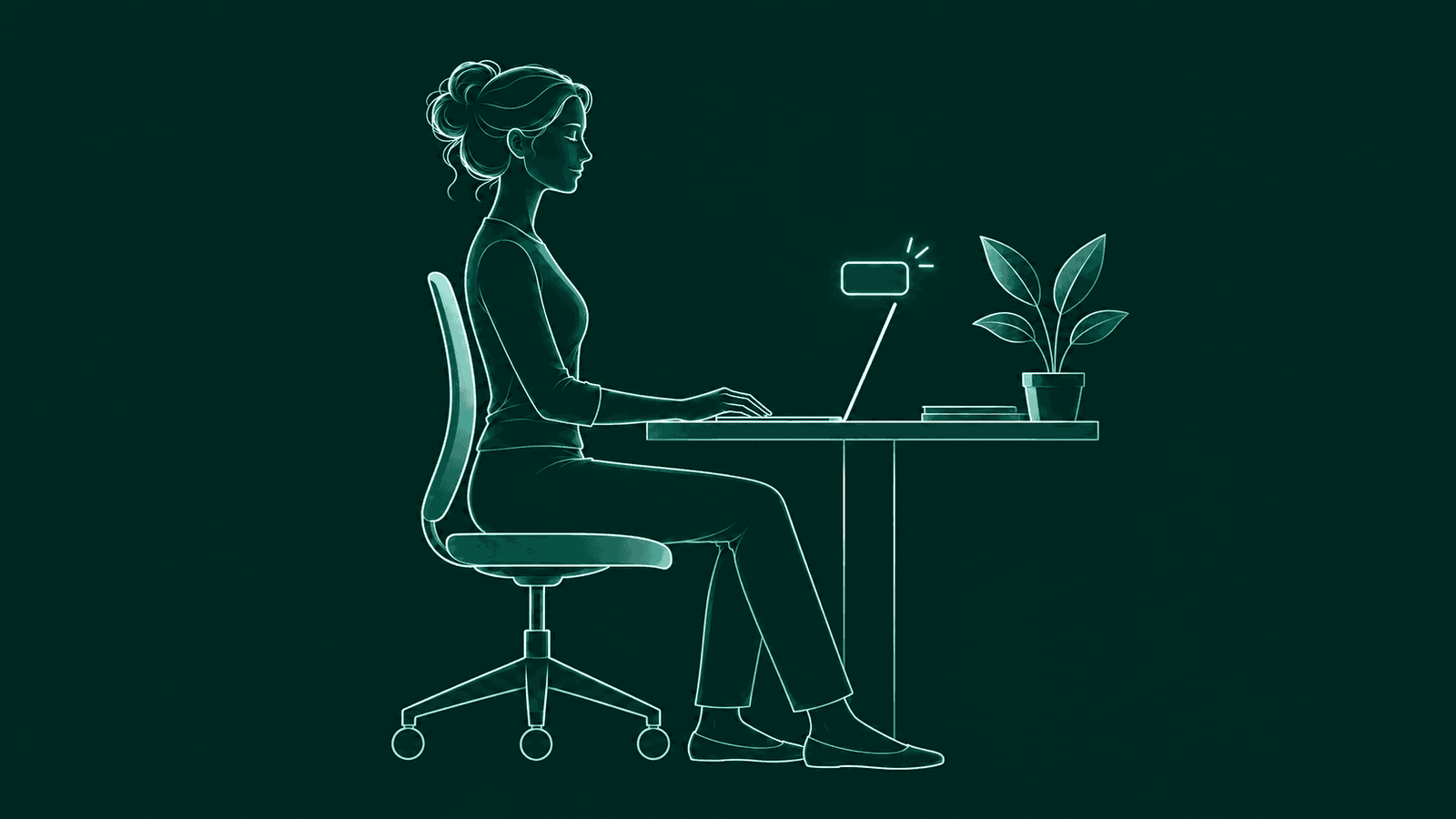
You open your laptop to answer one message. An hour later your head is a few inches closer to the screen than where it started. Nobody decides to do that. It just happens while you are focused.
A posture reminder app is there to point that out, kindly, at the moment it happens. This guide covers what separates a helpful one from one you will mute by Wednesday.
The short version
Pick an app that learns your own upright, nudges once instead of nagging, lets you snooze it easily, and tells you exactly what happens to the camera. BetterPosture does all four for free on Apple Silicon Macs.
What does a posture reminder app for Mac do?
A posture reminder app for Mac lets you know when you have started to slouch or lean toward the screen, so you can sit back up. Some remind you on a timer. Others use your webcam or AirPods to notice how you are actually sitting, and only speak up when something has changed.
Most live in the menu bar and stay out of the way the rest of the time. The difference is in what triggers a reminder, how loud it is, and what happens to the camera image along the way.
Timer or camera: which kind of reminder do you need?
A timer reminds you every so often, whether you are sitting tall or not. A detection app reminds you only when your position has actually drifted. If you mainly want regular breaks, a timer is simple and needs no camera. If you want to catch the slow lean toward the screen, detection is the better fit.
Detection apps read posture in one of two ways. Webcam apps look at your head and shoulders. A few apps, such as Dorso, can also use AirPods motion sensors, so no camera is involved at all.2 BetterPosture uses your webcam, on your Mac.
How BetterPosture's posture alerts work
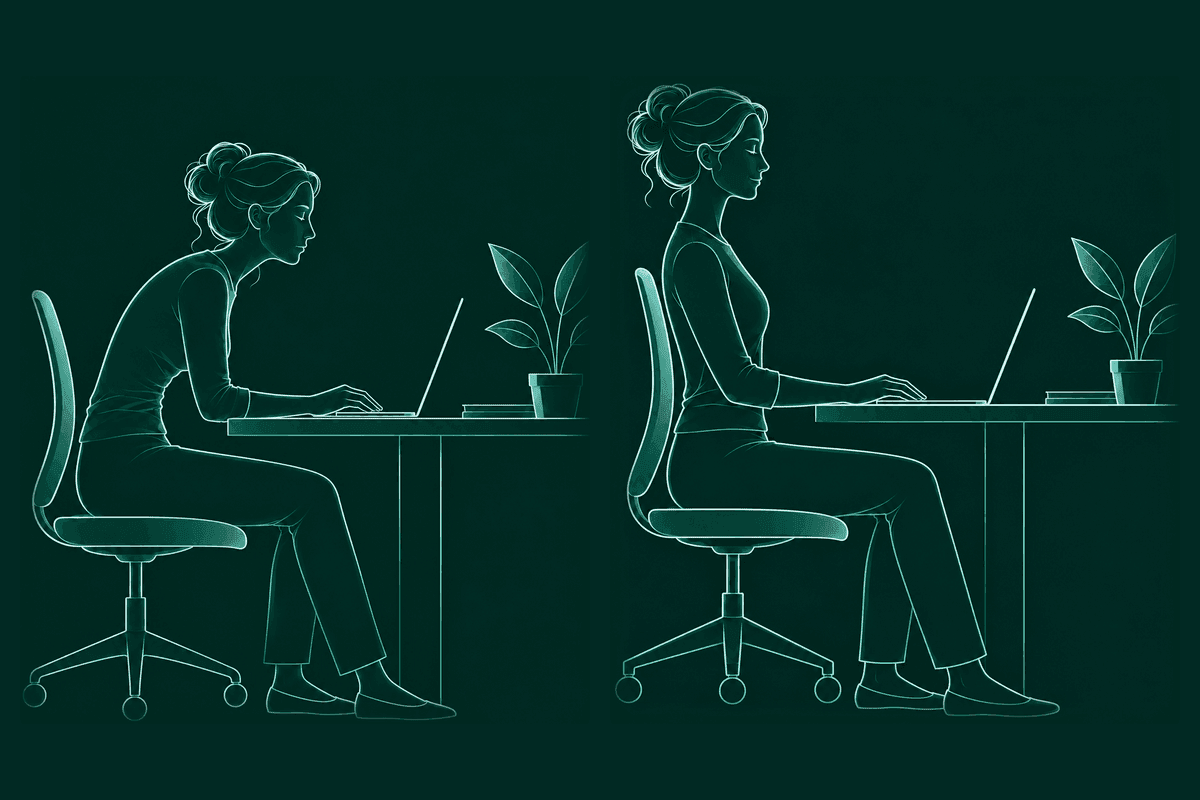
BetterPosture compares each reading against your own calibrated upright and your own slouch. When you drift far enough toward the slouch, one small overlay appears with a Snooze button. Sit up and it goes.
- 1Calibrate once per setup.
Show your good posture and your slouch. It takes about twenty seconds. Save another calibration for a laptop or standing desk, and it picks the right one using your camera, displays and where you sit.
- 2It takes a quiet reading every five minutes.
That is the default, and you can set anything from 1 to 60 minutes. The camera is closed in between. It checks more often only while you are drifting.
- 3One calm overlay when you drift.
“You've been leaning in. Look up?” No sound, no streak, no points. When you sit back up, it says “Nice, you're upright.” and gets out of the way.
Sensitivity decides how far toward your slouch counts as a drift. Low catches only obvious slouches, Medium is the recommended middle, and High notices even small drifts. Because it is measured against your calibration, an angled laptop camera does not change what counts as upright.
Is a webcam posture app private?
It can be, and you should be able to check. Pose detection in BetterPosture runs on your Mac. Each frame is read briefly into memory and discarded. No frame is ever stored or uploaded.
From each reading it keeps a small set of numbers about where your head and shoulders sit, never the picture. Those readings live in one plain database file in your Library folder.
Many webcam posture apps now say they process frames on-device, including SitApp and Slouch Sniper.13 That is good news. What matters next is whether you can verify it. BetterPosture lists every connection the app can make on its verify privacy page, with a Little Snitch test you can run yourself. Block it and the nudges keep coming. To run the same checks on any app, read how to check a private webcam posture app.
What to look for before you install one
Look at how it decides you have drifted, how it tells you, how often the camera is on, and how you pay. Those four things decide whether you keep it running after the first week.
- It learns your posture, not a general one. Calibration to your own upright and slouch means your desk, chair and camera angle are the baseline.
- The nudge is something you can live with. Some apps dim the screen or use sounds and streaks. Others show one quiet card. Pick the one you will not mute.
- Snooze and pause are one click away. Calls, demos and focus blocks happen. You should be in charge.
- You know when the camera is on. A reading every few minutes is different from a camera that stays open all day.
- The price is clear. Free with a daily limit, a subscription and a one time purchase all exist. Know which one you are signing up for. Here is what free really includes.
- It fits your setup. Check your Mac and macOS version, and whether it works with an external webcam and more than one desk. If you code all day, see what a posture app for developers needs.
Make the reminder part of a good habit
A reminder works best as a small cue to reset, not a score to chase. When the overlay shows up, take it as a chance to look up, let your shoulders settle and, if you have a minute, stand or stretch.
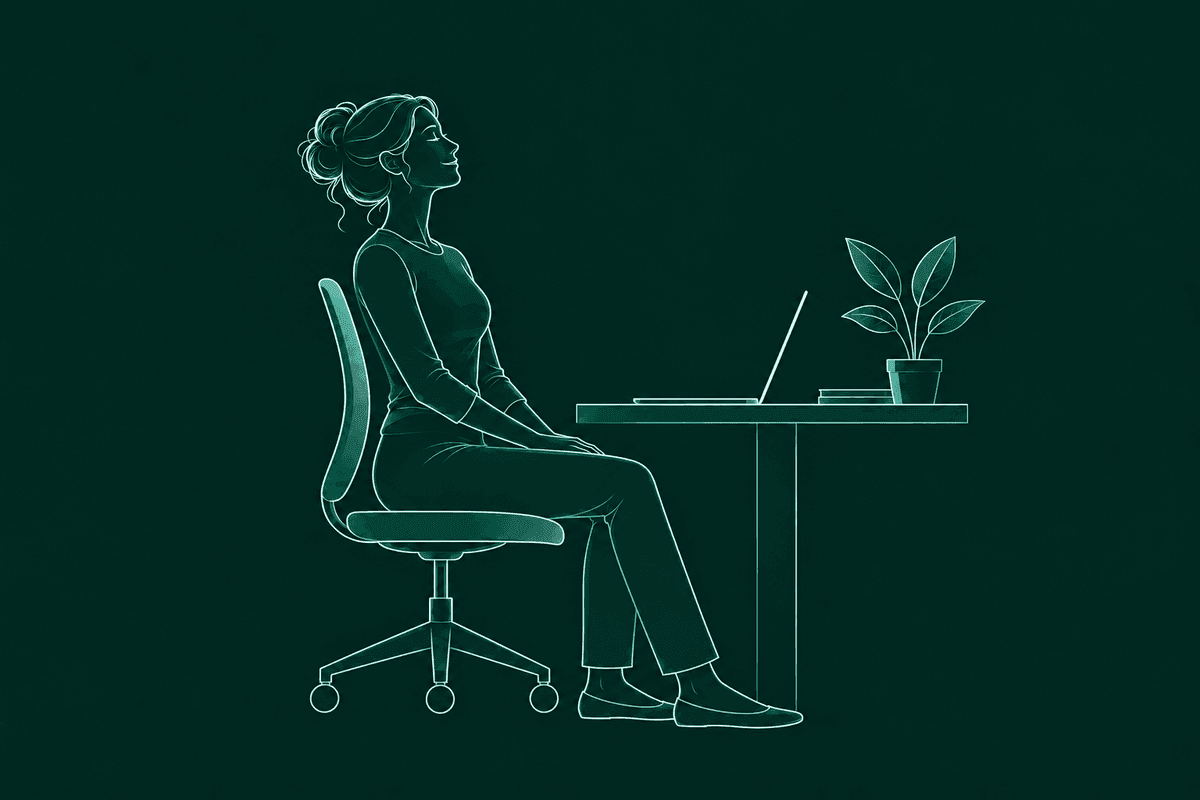
Your setup helps as well. OSHA suggests a workstation where your head is balanced, your shoulders can relax and your back is supported, and recommends changing position through the day even when your setup feels good.4 For the details, see how to stop slouching at your desk.
Then tune the app to your day. If nudges feel too frequent, move Sensitivity toward Low or lengthen the snooze. If you want earlier heads-ups, try High. There is no streak to protect, so a day off costs you nothing.
Other good posture apps for Mac
BetterPosture is not the right pick for everyone. If you need Windows or Linux too, SitApp runs on all three; its free tier covers up to 60 minutes a day.1 If you would rather not use a camera at all, or want to read the code, Dorso has an AirPods mode and a free open-source build.2 If you want a nudge that is hard to ignore, Slouch Sniper dims the screen until you sit up.3
For the full side by side, with prices and dates, read posture apps for Mac, compared, or go straight to BetterPosture vs SitApp and BetterPosture vs Dorso.
Questions people ask
Is there a free posture reminder app for Mac?
Yes. BetterPosture is free for good: detection, calibration, the overlay and snooze, with no daily time limit. Pro is a one time purchase of $29 that adds the Progress dashboard. Dorso also has a free open-source build.
Does BetterPosture record or upload video?
No. Pose detection runs on your Mac. Each frame is read briefly into memory and discarded. No frame is ever stored or uploaded.
How often does it check my posture?
Every five minutes by default, for a moment. You can set anything from 1 to 60 minutes in Settings. It checks more often only while you are drifting, and the camera is closed in between.
Can I pause it for a call or a focus block?
Yes. Snooze from the overlay itself, and set the snooze length from 1 to 60 minutes in Settings. You can also pause posture checks from the menu bar and resume any time.
Does it work with an external webcam?
Yes. You can pick which camera to use in Settings. Built-in or external both work.
Which Macs does BetterPosture run on?
Apple Silicon Macs on macOS 13 and up. It is a direct download, signed and notarized.
Is BetterPosture a medical app?
No. BetterPosture is not a medical device. It is a habit tool that tells you when you have drifted from your own upright. If something hurts, talk to a clinician.
Sources & further reading
- SitApp on the Mac App Store. Checked 31 October 2026.
- dorso.app. Checked 31 October 2026.
- slouchsniper.com. Checked 31 October 2026.
- OSHA. Computer workstations: good working positions.
BetterPosture is made by Jespor LLC. We are not affiliated with, endorsed by or sponsored by SitApp, Dorso or Slouch Sniper, or their makers. Their names are trademarks of their owners, used here only to name the apps.
A little more upright.
Free for Apple Silicon Macs on macOS 13 and up.
Pose detection runs on your Mac. Nothing from the camera leaves it.