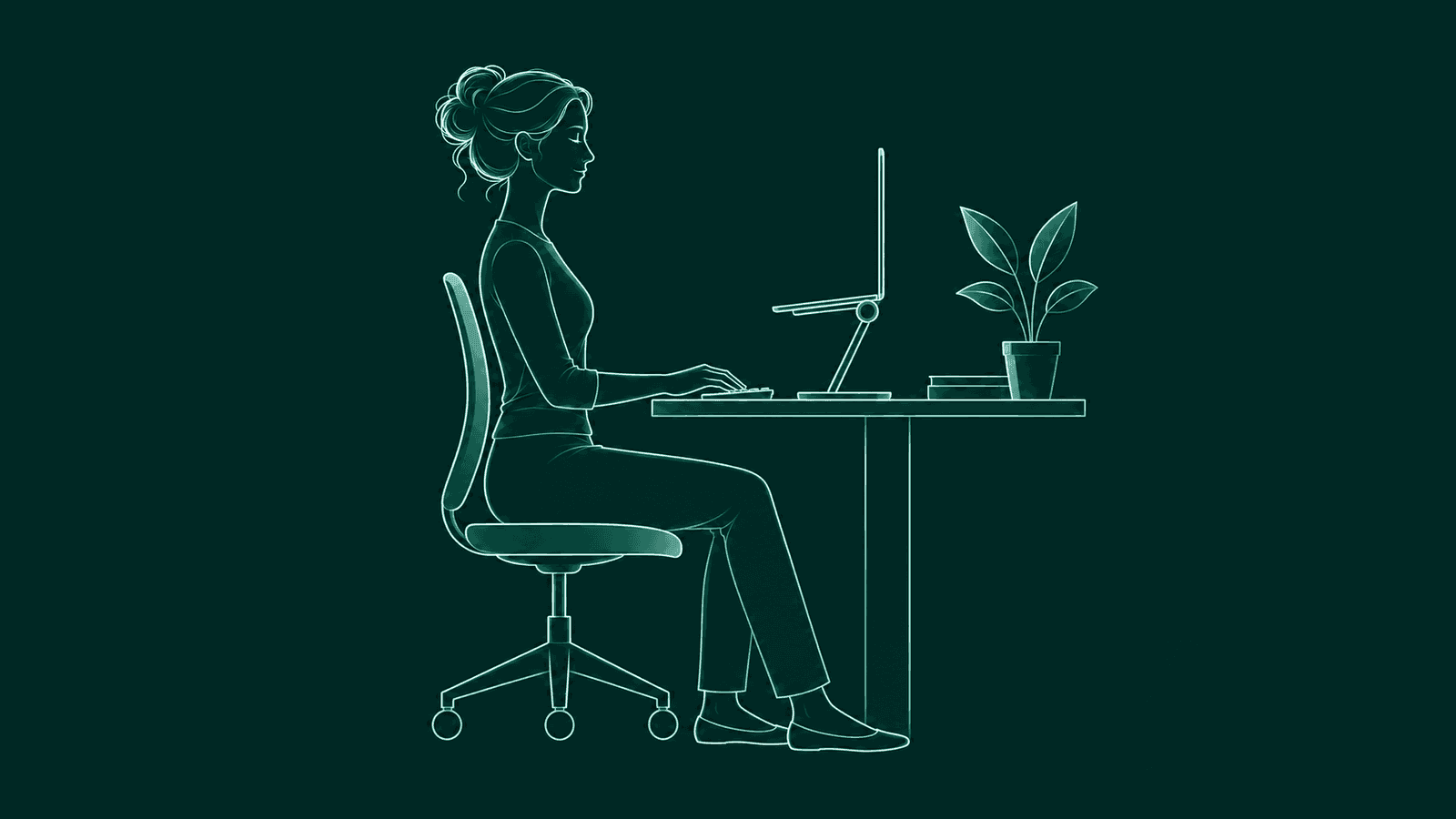
You sit down tall. An hour later your head is a few inches closer to the screen and your shoulders have crept up. You did not decide any of that. It just happened.
The short version
Raise your screen to eye level. Sit back into a chair that supports you. When you catch yourself leaning in, look up and sit back. Then move often. A reminder can flag the times you don't notice.
Why do you slouch at your desk?
Mostly because your desk and your focus pull you forward. A screen that sits low or far away draws your head toward it, and when you are deep in work you stop noticing how you sit.
Laptops make this easy. A MacBook screen sits close to the desk, so reading it means looking down. Small text or a tricky bug pulls you in for a closer look. Your setup is asking your neck and shoulders to lean in, for hours at a time.
How do you set up your desk to stop slouching?
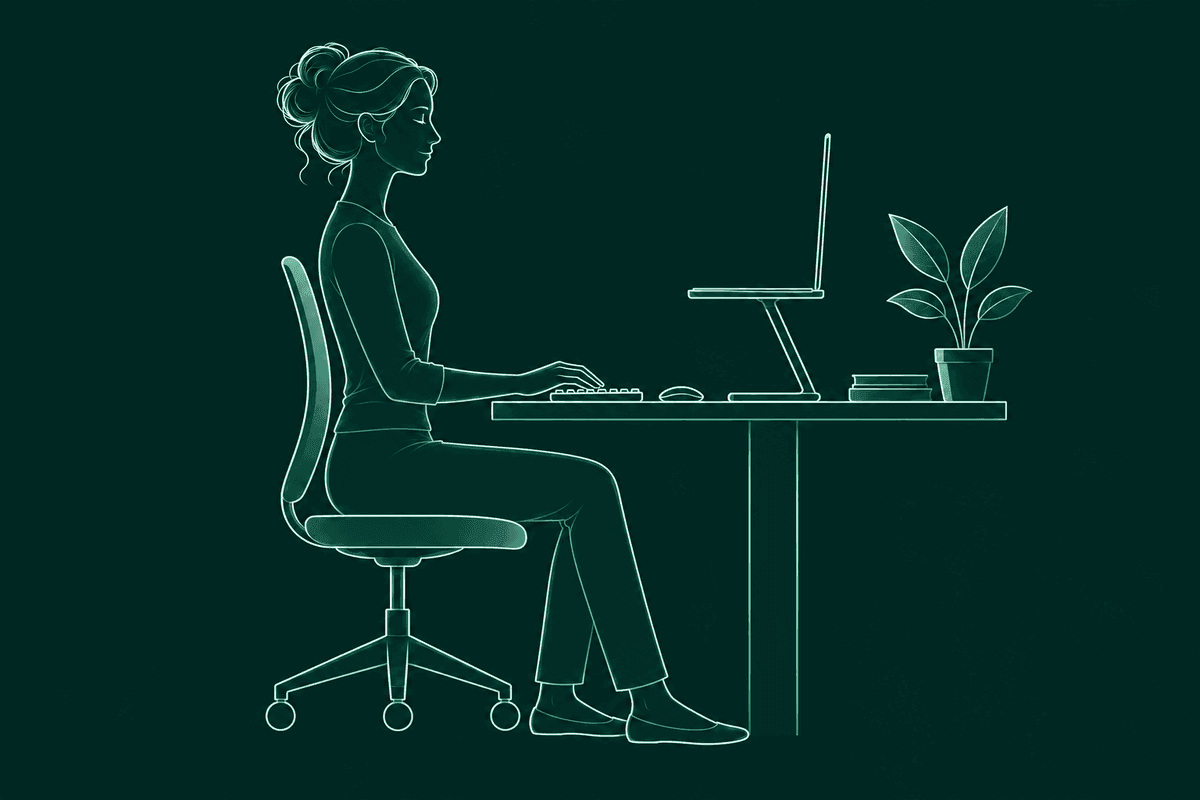
Raise the screen to eye level, keep it about an arm's length away and sit back into a chair that supports your lower back. The screen comes first, since it decides where your head goes. OSHA suggests the top of the monitor at or slightly below eye level, and a viewing distance of about 20 to 40 inches from your eyes.1
- Use a stand. On a MacBook, a stand or a stack of books gets the screen up. Add a separate keyboard and mouse so your hands can stay low while your eyes stay level. More in MacBook ergonomics: how to set up a laptop desk.
- Make text big enough. If you lean in to read, the text is too small. Bump the text size in System Settings, then Displays, or zoom in the app you are using.
- Sit back into the chair. OSHA describes a back that is fully supported, with lumbar support, whether you sit upright or lean back slightly. A small cushion behind your lower back works if your chair has none.2
- Let your shoulders hang. Rest your upper arms at your sides. If you have to reach, pull the keyboard closer.
- Center the main screen. With two displays, put the one you use most straight in front of you, so you can face it without turning your head.
How do you remember to sit up straight?
Use a cue. Tie a check-in to something you already do, or let an app notice the drift. You can't watch your own posture and do deep work at the same time, so the cue has to come from outside your head.
Habit cues cost nothing. Check in each time you join a call, and you get a few resets a day without thinking about it. A sticky note on the edge of your screen helps for the first week, until you stop seeing it.
Reminder apps come in two kinds. A timer nudges you every so often, whether you are sitting tall or not. A detection app only speaks up when your position has changed, so it does not interrupt you when you are already fine. If you want to know which kind suits you, read what to look for in a posture reminder app.
What should you do when you catch yourself slouching?
Four small moves, about 30 seconds in all, bring you back to a comfortable place to start.
- 1Look up.
Lift your eyes off the screen and let your head come back over your shoulders.
- 2Let your shoulders settle.
Lift them toward your ears for a second, then let them fall. They usually land lower than where they started.
- 3Sit back.
Slide your hips to the back of the chair so the backrest can do some of the work. Aim for comfortable. A stiff upright is hard to hold for long.
- 4Stand if you can.
If you have a minute, stand up and refill your water. A new position counts as a reset too.
Do you have to sit up straight all day?
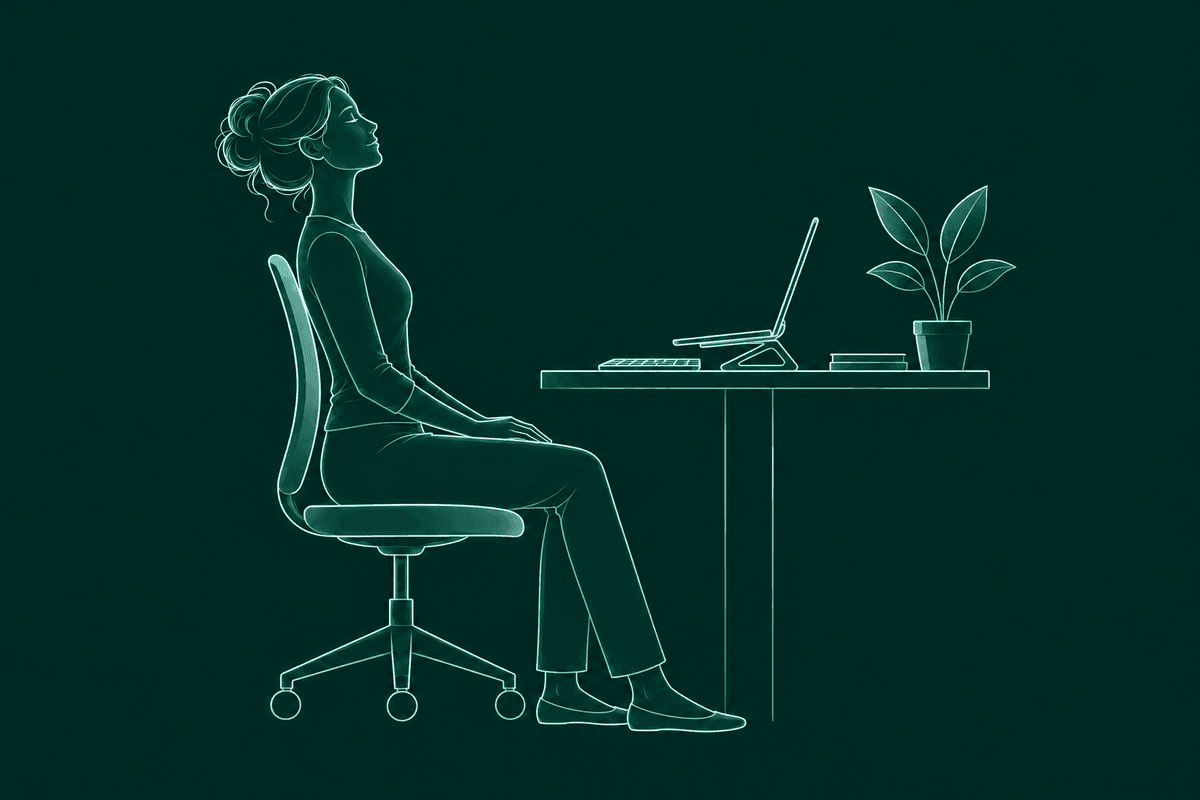
No. OSHA recommends changing position through the day, even with a good setup. Small chair adjustments count, and so does a few minutes of walking.2
The goal is to notice when you've been leaning toward the screen for a while, and give yourself somewhere else to go. Leaning back with your back supported is a good position. So is standing.
How does BetterPosture help you stop slouching?
BetterPosture is a free macOS menu bar app that compares how you sit now with your own upright posture. You hear from it once your head has drifted toward the screen.
First you calibrate. Show your good posture and your usual slouch, which takes about twenty seconds. If you also work at a laptop or a standing desk, save a calibration there too. BetterPosture picks the right one for the camera and displays you are using.
After that it takes a quiet reading every five minutes by default (you can set 1 to 60). The camera is closed in between, and it checks more often only while you are drifting.
When you lean in, one silent overlay says “You've been leaning in. Look up?” Sit back up and it says “Nice, you're upright.” and gets out of the way.
Sensitivity runs from Low, for obvious slouches only, to High, for small drifts. Snooze lasts ten minutes by default (up to an hour in Settings), and you can pause checks from the menu bar during calls and demos.
Pose detection runs on your Mac. Nothing leaves it. Each frame is read briefly into memory and discarded, and you can check that yourself on the verify privacy page or with five checks for any webcam posture app. Everything in this section is free. Here is what the free version includes, and how it stacks up in posture apps for Mac, compared.
Questions people ask
What if I work from the couch?
Prop the laptop on a pillow or tray so the screen comes up, and put a cushion behind your lower back. Get up and change spots every so often.
Does a standing desk stop slouching?
It gives you a second position to switch to. Keep the screen at eye level when you stand, too.
What if I wear bifocals or progressive lenses?
You may tip your head back to read through the lower part of the lens. Setting the screen a little lower lets you read it with your neck relaxed.
Do I need an expensive chair to stop slouching?
No. A chair you can sit back in with your lower back supported does most of the work. A small cushion or rolled towel can add that support.
Is there a free app that tells you when you slouch?
Yes. BetterPosture is free for Apple Silicon Macs on macOS 13 and up. It checks how you sit with the webcam every few minutes and runs pose detection on your Mac.
Does a posture app work if I sit differently at different desks?
Yes. BetterPosture keeps a calibration for each setup and switches between them for you. You can also pick one yourself.
Does BetterPosture record me?
No. Frames are read on your Mac and thrown away right after. Nothing is stored or uploaded.
Sources & further reading
- OSHA. Computer Workstations eTool: Monitors. Checked 13 November 2026.
- OSHA. Computer Workstations eTool: Positions. Checked 13 November 2026.
This article is general information about comfort at your desk, not medical advice. If you have ongoing pain, talk to a doctor or physiotherapist.
A little more upright.
Free for Apple Silicon Macs on macOS 13 and up.
Pose detection runs on your Mac. Nothing from the camera leaves it.