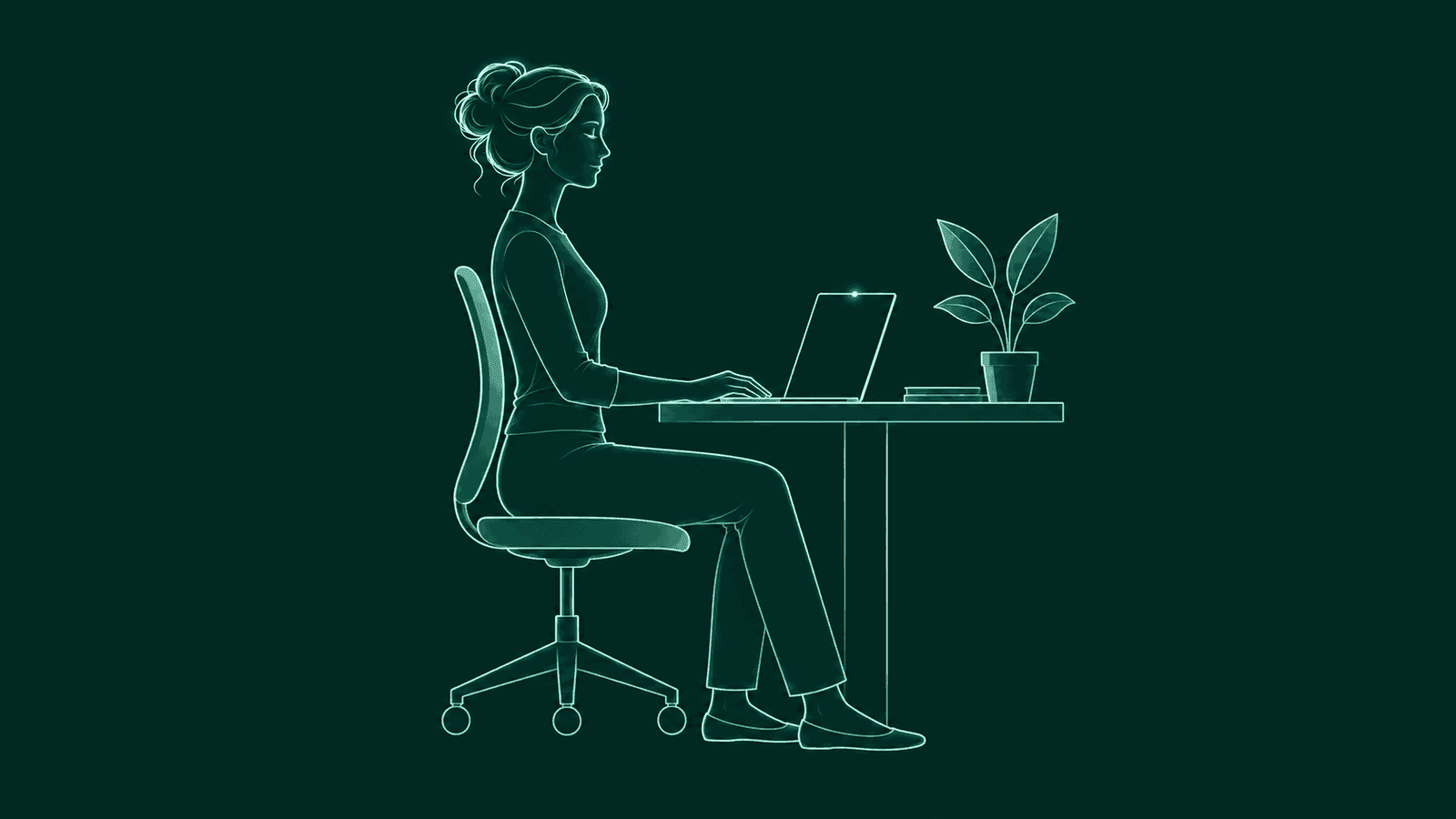
A posture app needs to see you to notice a slouch. That is a lot to ask of an app that sits in your menu bar all day, pointed at your face while you work.
“Runs on-device” is a good start, and SitApp, Slouch Sniper and BetterPosture all say it. This guide is about the next step: how to check it on your own Mac without reading any code.
BetterPosture is our app. It sits in the menu bar on Apple Silicon Macs, takes a webcam reading every few minutes and shows a small overlay when your head drifts toward the screen.
The short version
A private webcam posture app reads frames on your Mac and keeps only numbers. It opens the camera when it needs a reading. Block its network access and it still works. You can check all of this with tools already on your Mac and a free firewall.
What makes a webcam posture app private?
A private webcam posture app reads each camera frame on your Mac and keeps only what it needs to judge your posture. The camera image should never need to reach a server for the app to work.
That breaks down into four questions you can actually answer. When is the camera on? What is kept from each frame? What can leave your Mac? And does detection still work when nothing can?
How often should the camera be on?
For a second at a time, only when the app needs a reading. A camera that opens for a second every few minutes is very different from one that stays on all day. Your Mac shows you which kind you have.
On a Mac with a built-in camera, a green light beside it glows whenever the camera is on.1 Open Control Center and the top of it can show which apps are using the camera, so you can tell which one opened it.2
By default, BetterPosture opens the camera every five minutes for one reading at 640 by 480, then closes it. You can set the interval anywhere from 1 to 60 minutes. While a nudge is on screen it checks every two seconds, so the nudge clears as soon as you sit back up.
What should it keep from each frame?
Only a few numbers about how you sit. BetterPosture keeps thirteen per reading and stores no image.
The numbers describe things like how far your head sits ahead of your shoulders and how far your torso leans from vertical. There is no image and no list of body points, so nothing to draw you from.
Everything it saves goes into one database file on your Mac:
- Where it is.
~/Library/Application Support/BetterPosture/betterposture.db - How to read it. Open it with
sqlite3in Terminal and list the tables. Every column is described on the verify privacy page.
What can leave your Mac, and can you block it?
Nothing from the camera should leave your Mac, and detection should keep working with the network blocked. That gives you the quickest test. Block an app's network access and see if it still notices a slouch. If checks stop the moment you go offline, part of the detection depends on the network.
On BetterPosture, the list of connections has three items. None of them carries anything from the camera.
- 1Update check.
Asks GitHub whether a newer version exists, thirty seconds after launch and then every six hours.
- 2Anonymous install and launch count.
App version, macOS version, chip type and a random id made on your Mac. It is on by default and shown on the first onboarding screen before anything is sent. You can turn it off in Settings.
- 3Pro sign-in, only if you use it.
Your email and sign-in code, to activate Pro. Free detection needs no account.
Block all three and BetterPosture keeps nudging you and logging your history. The detector loads from files inside the app. A check in the app's own build fails if the app makes a single request off your Mac. The full output is on the verify privacy page.
How can you check if a posture app is private?
Run five checks: who has the camera, how long the light stays on, what the app declared to macOS, whether it works offline, and whether it publishes its connections. They work on any webcam posture app for Mac and need nothing you cannot get for free. You do not have to trust any of the above, ours included.
- See who has the camera. Open System Settings, then Privacy & Security, then Camera. Every app with access is listed, and you can switch any of them off.3
- Watch the light for a while. Work normally for half an hour. A green light that comes on briefly and goes off again matches an app that takes readings. One that stays on is worth asking about.
- Read what it asked for. In Terminal, run
codesign -d --entitlements - /Applications/AppName.appto see the permissions the app declared to macOS, such as the camera. Apps outside the App Store sandbox can reach the network without declaring it, so use check four for that. - Block it and keep working. Install an outbound firewall such as LuLu or Little Snitch and deny the app every outgoing connection. Then use it for an hour. Slouch on purpose once or twice. If the alerts still arrive, detection is happening on your Mac.45
- Look for a written list. A privacy page that names each host the app contacts, and what it sends there, is something you can hold the firewall log against. A line saying “we respect your privacy” gives you nothing to check.
We ran these checks on BetterPosture ourselves. The exact hosts and a step-by-step Little Snitch test are on the verify privacy page. If you find a connection it does not list, write to us and it gets fixed there first.
Which other posture apps for Mac stay on-device?
SitApp says its processing is local with no data uploads, and Slouch Sniper also says it processes frames on your Mac.67 The five checks above work on them too. If you would rather not use a camera at all, Dorso can read your posture from AirPods motion sensors instead.8
To choose between them on more than privacy, read posture apps for Mac, compared, or start with what to look for in a posture reminder app.
Questions people ask
Is a webcam posture app private?
Only some are. Block the app's network access and slouch on purpose. If a nudge still arrives, detection is happening on your Mac.
Does BetterPosture record or upload video?
No. Pose detection runs on your Mac. Each frame is read briefly into memory and discarded. No frame is ever stored or uploaded.
Is the camera on all the time?
No. By default it opens for a moment every five minutes, takes one reading and closes. You can set anything from 1 to 60 minutes. While a nudge is on screen it checks every two seconds, so the nudge clears as soon as you sit back up.
Does posture detection work offline?
Yes. Block every connection and the nudges keep coming. Only the update check and Pro sign-in need the network.
Does the app send anything at all?
Three things can leave your Mac. There is an update check and an anonymous install and launch count, which you can turn off in Settings. Pro sign-in also goes online, if you use it. None of them carries anything from the camera.
Can I see what BetterPosture stores?
Yes. Your readings and calibration live in one database file in ~/Library/Application Support/BetterPosture. You can open it with sqlite3 and read every table.
Is there a posture app that works without a camera?
Yes. Dorso can use AirPods motion sensors instead of a webcam. Timer-based reminders need no sensor at all, though they remind you whether you have drifted or not.
Which Macs does BetterPosture run on?
Apple Silicon Macs on macOS 13 and up. Detection, calibration and the nudge are free.
Sources & further reading
- Apple. Use the camera on Mac. Checked 3 November 2026.
- Apple. Use Control Center on Mac. Checked 3 November 2026.
- Apple. Control access to the camera on Mac. Checked 3 November 2026.
- LuLu, by Objective-See.
- Little Snitch, by Objective Development.
- SitApp on the Mac App Store. Checked 31 October 2026.
- slouchsniper.com. Checked 31 October 2026.
- dorso.app. Checked 31 October 2026.
BetterPosture is made by Jespor LLC. We are not affiliated with, endorsed by or sponsored by SitApp, Slouch Sniper, Dorso, LuLu or Little Snitch, or their makers. Their names are trademarks of their owners, used here only to name the apps.
A little more upright.
Free for Apple Silicon Macs on macOS 13 and up.
Pose detection runs on your Mac. Nothing from the camera leaves it.