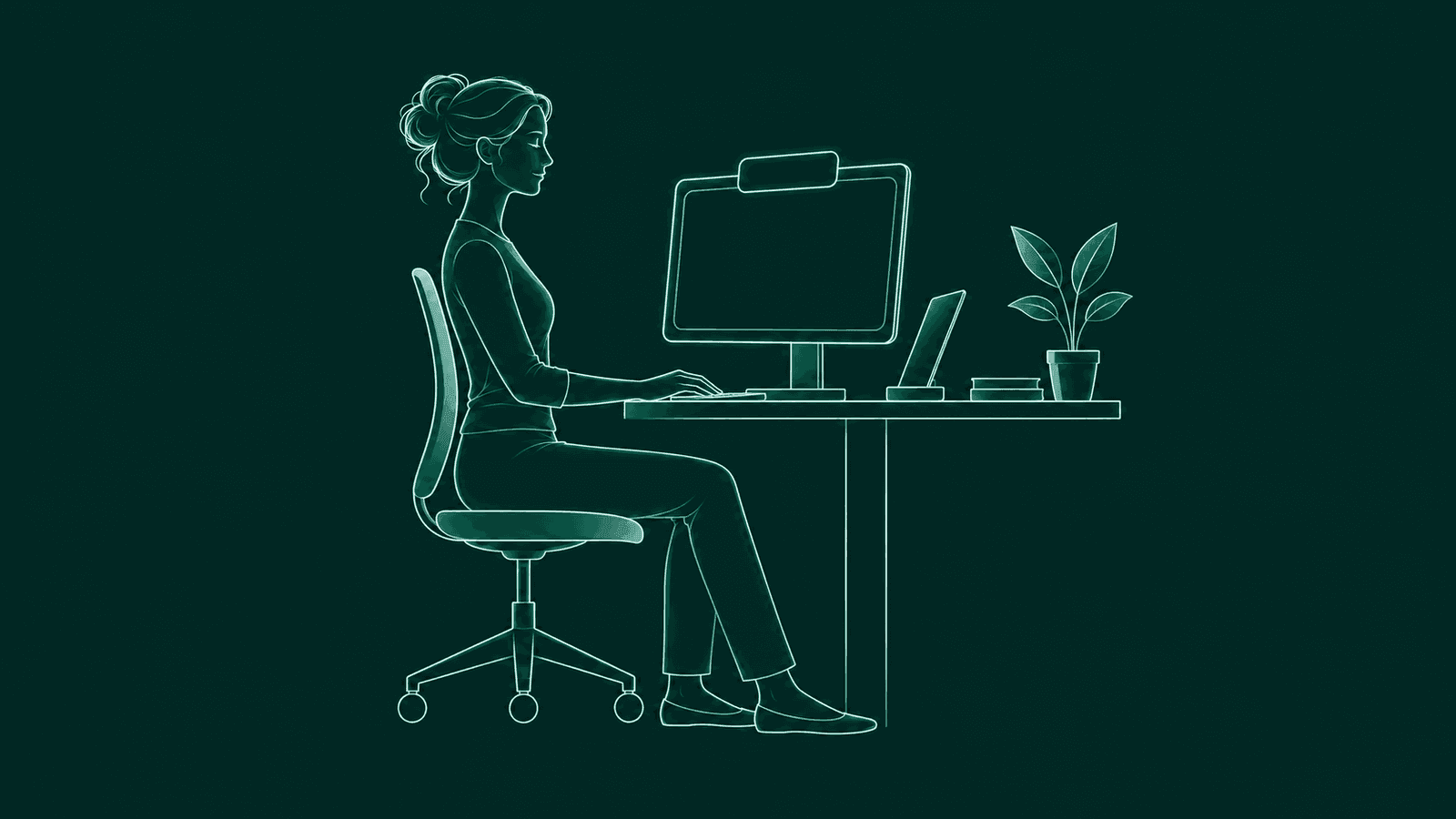
You sit down to fix one bug. Two hours later your head is a few inches closer to the screen and your shoulders are up by your ears.
A posture app can catch that drift. It can also wreck a debugging session if it grabs your keyboard or beeps in the middle of standup.
BetterPosture is a posture app for Mac, and we make it. It lives in the menu bar on Apple Silicon Macs, takes a short webcam reading every few minutes and shows one quiet overlay when your head drifts forward. We built it to stay out of the way of people who type for a living.
The short version
A posture app for developers should never take focus, step aside when a call has the camera, handle more than one desk setup and let you check its network traffic yourself. BetterPosture does all four, and the posture coach is free. Here's what the free version covers.
What should a posture app do for someone who codes all day?
Tell you once when you drift, then stay out of your way. Anything that costs you your train of thought gets muted by Friday.
It should also learn your posture. Your own upright at your own desk is the baseline.
Our guide to posture reminder apps for Mac has the longer checklist.
Will a posture nudge steal focus from your editor or terminal?
Not with BetterPosture. The overlay never becomes the active window, so your keystrokes keep going wherever they were going.
It appears as a small card at the top center of your main display, including over full-screen apps and on every desktop space. Clicks pass straight through it to whatever is underneath. Hover over the card and it becomes clickable, so you can snooze.
It makes no sound and keeps no score. While it's up, BetterPosture checks every couple of seconds, so once you sit back, it shows a brief “Nice, you're upright.” and gets out of the way on its own. No dialog to dismiss, no streak to protect.
What happens during calls, pairing and demos?
When another app is using your camera, BetterPosture waits. It skips its readings until the camera is free, and the menu bar tells you it's waiting.
It doesn't try to share the camera mid-call. Opening a camera another app is streaming can strip that app's macOS video effects, like your call background, so BetterPosture leaves it alone. If a call starts while a nudge is showing, it lets go of the camera and the nudge goes with it.
For everything else, you're in charge. Snooze from the overlay for 10 minutes by default, or set anything from 1 to 60 in Settings. Pause posture checks from the menu bar for a long pairing session and resume when you're done.
Does it handle a laptop, a dock and a standing desk?
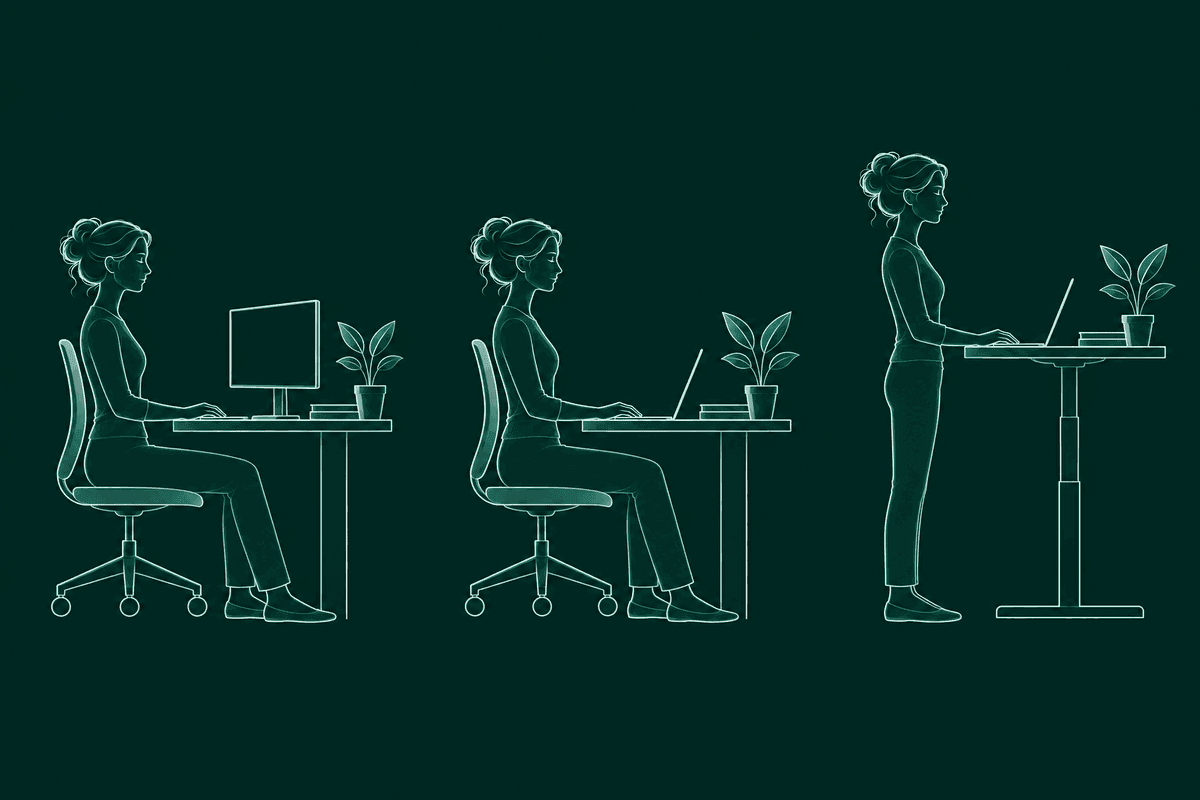
Yes. Save a calibration profile for each setup and BetterPosture picks the right one using your camera, displays and seating position. Profiles are free.
That matters if your day moves around. A MacBook on the couch puts the camera low and close. An external monitor with a webcam on top sees you from higher up. Standing changes everything again. Each profile holds your own upright and your own slouch for that spot.
Similar setups can be hard to tell apart, so you can always choose a profile yourself, or turn automatic switching off in Settings. If your desk changes for good, recalibrate from the menu bar. It takes about twenty seconds.
How can you check what a webcam posture app sends?
Block its network access and slouch on purpose. If the nudge still arrives, detection is happening on your Mac.
Pose detection in BetterPosture runs on your Mac. Each frame is read briefly into memory and discarded. No frame is ever stored or uploaded, and the camera is closed between readings.
Our verify privacy page lists every connection the app can make, what each one is for and how to switch it off or block it. It walks through the check with Little Snitch or LuLu. Anonymous install and launch counts are on by default, and turning them off in Settings sends nothing.
You shouldn't have to take a camera app's word for it. We wrote up the whole test in how to check if a webcam posture app is private.
How do you set BetterPosture up?
Download it, allow the camera, calibrate and get back to work. It takes a few minutes, with no account and no card.
- 1Download for Mac.
A signed, notarized app for Apple Silicon Macs on macOS 13 and up.
- 2Allow the camera.
macOS asks once. The camera only opens for each short reading.
- 3Calibrate where you actually work.
Sit the way you want to sit, then show your usual slouch. Do it at the desk you code at, not the one you wish you had.
- 4Tune it, then forget it.
In Settings, set how often it checks (every five minutes by default, 1 to 60), how far toward your slouch counts as a drift, and Open at login. Then close the window and get back to your branch.
Want to see a reading right away? Choose “Check my posture now” from the menu bar.
When is BetterPosture not the right fit?
When you want open-source code or a camera-free app, or you aren't on an Apple Silicon Mac.
BetterPosture isn't open source. If you'd rather read the code, Dorso's free build, PostureCV and PostureGuard are. BetterPosture vs Dorso compares the two side by side.
It needs a webcam and Apple Silicon. If either rules it out, posture apps for Mac, compared covers camera, AirPods and cross-platform options.
BetterPosture is not a medical device. It is a habit tool that tells you when you've drifted from your own upright. If something hurts, talk to a clinician.
Questions people ask
Will a posture nudge interrupt my typing?
No. The BetterPosture overlay never takes focus, so your keystrokes keep going to your editor or terminal. Clicks pass through it too, unless you hover over the card to snooze.
Does it show up over a full-screen editor?
Yes. The overlay appears at the top of your main display, over full-screen apps and on every desktop space.
What happens when I join a video call?
If another app is using your camera, BetterPosture waits and skips its readings until the camera is free. If a call starts while a nudge is showing, it lets go of the camera.
Can I turn it off for a pairing session or a demo?
Yes. Snooze from the overlay, or pause posture checks from the menu bar and resume any time. Snooze lasts 10 minutes by default, anything from 1 to 60 in Settings.
I switch between my MacBook and a desk setup. Do I need to recalibrate?
No. Save a profile for each setup, such as desk, laptop and standing. BetterPosture picks one using your camera, displays and seating position, and you can always choose yourself.
How often does it check my posture?
Every five minutes by default, and you can set anything from 1 to 60 minutes in Settings. The camera is closed between readings.
Is BetterPosture free?
Yes. Detection, calibration, profiles, the overlay and snooze are free, with no daily time limit. Pro is $29 once and adds the Progress dashboard.
How do I check that no video leaves my Mac?
Pose detection runs on your Mac and no frame is stored or uploaded. The verify privacy page lists every connection the app can make and shows how to confirm it with Little Snitch or LuLu.
Is BetterPosture open source?
No. If you want to read the code, Dorso's free build, PostureCV and PostureGuard are open source.
Which Macs does it run on?
Apple Silicon Macs on macOS 13 and up. It doesn't run on Intel Macs, Windows or Linux.
Keep shipping. Sit a little taller.
Free for Apple Silicon Macs on macOS 13 and up.
Pro is $29 once, if you want the Progress dashboard.