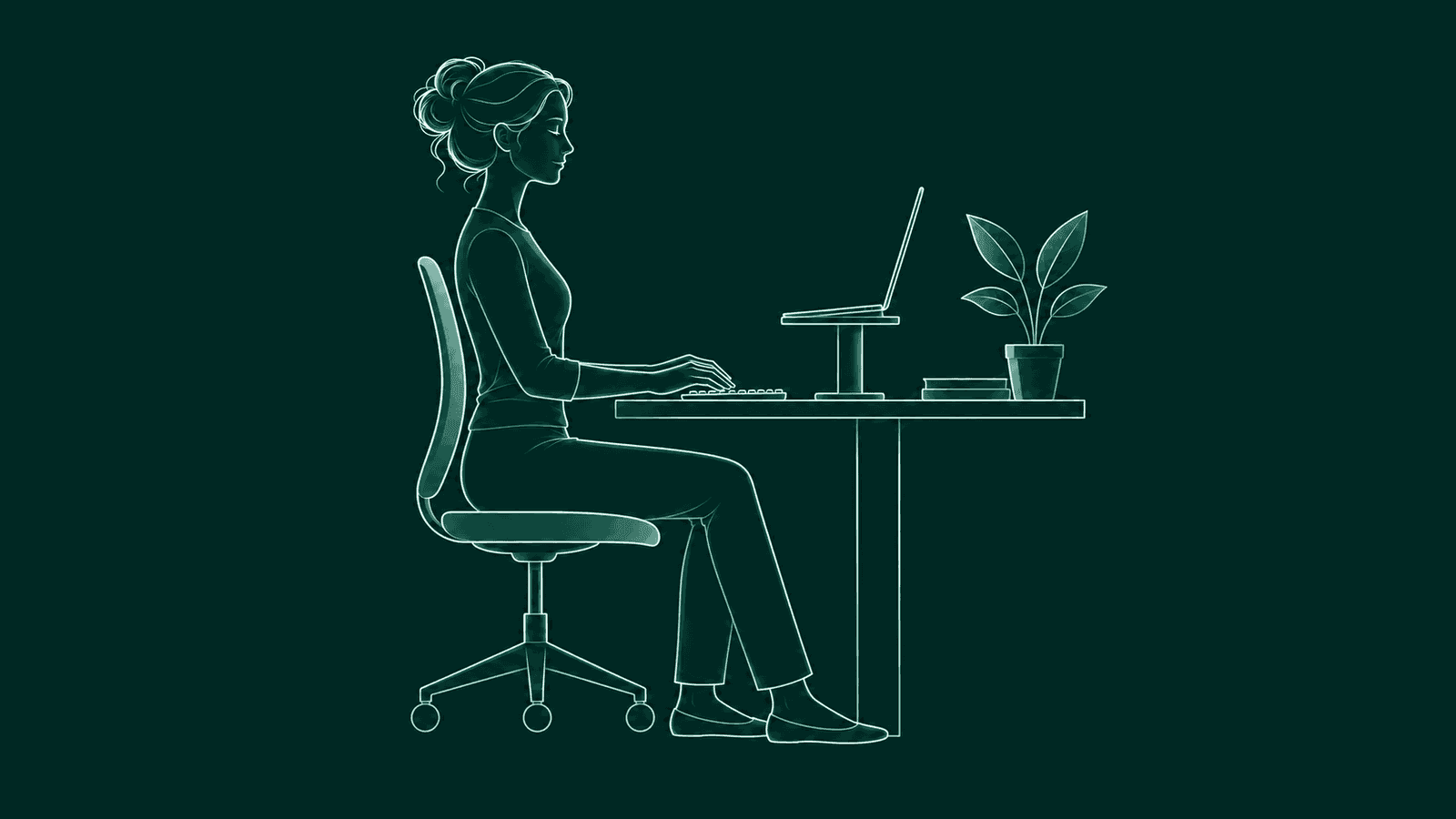
Open a MacBook on a desk and look at the screen. Your chin drops. Your head slides forward and your shoulders follow. The laptop is doing what it was built to do, just not for eight hours straight.
The short version
Lift the screen to eye level and bring your own keyboard and mouse. Or close the lid and use an external monitor. Keep the screen about an arm's length away, make the text big enough to read from there, and change position through the day.
Why is a MacBook hard on your posture?
A MacBook is hard on your posture because the screen and the keyboard are joined. Put the keyboard where your hands are comfortable and the screen sits low, so you look down. Put the screen at eye level and the keyboard is up by your chest.
So you end up splitting the difference without noticing. The laptop stays flat on the desk and the head comes forward to meet it. Small text and a long focus session pull you in a little more. That comes from the shape of the machine.
What are the best MacBook setups for your posture?
Three MacBook setups work: the laptop on its own for short stretches, a stand with a separate keyboard and mouse, and clamshell mode with an external monitor. Each one separates what your eyes need from what your hands need.
- Laptop only, for short stretches. Fine for an hour at a café or a quick reply. Sit back in the chair, tilt the screen back a little so you can see it without dropping your chin, and get up more often than you would at a full setup.
- Stand plus keyboard and mouse. The everyday MacBook desk. A stand, or a stack of books, lifts the screen. A separate keyboard and mouse stay low, close to your elbows, so your shoulders can hang.
- Clamshell with an external monitor. Close the lid and work on a monitor at eye level, with a keyboard and mouse in front of it. Your eyes land on one big screen, straight ahead.
If you keep the lid open next to an external monitor, decide which screen is your main one. Put that one straight in front of you, so you can face it without turning your head, and put the MacBook off to the side for chat or notes.
Screen height and distance
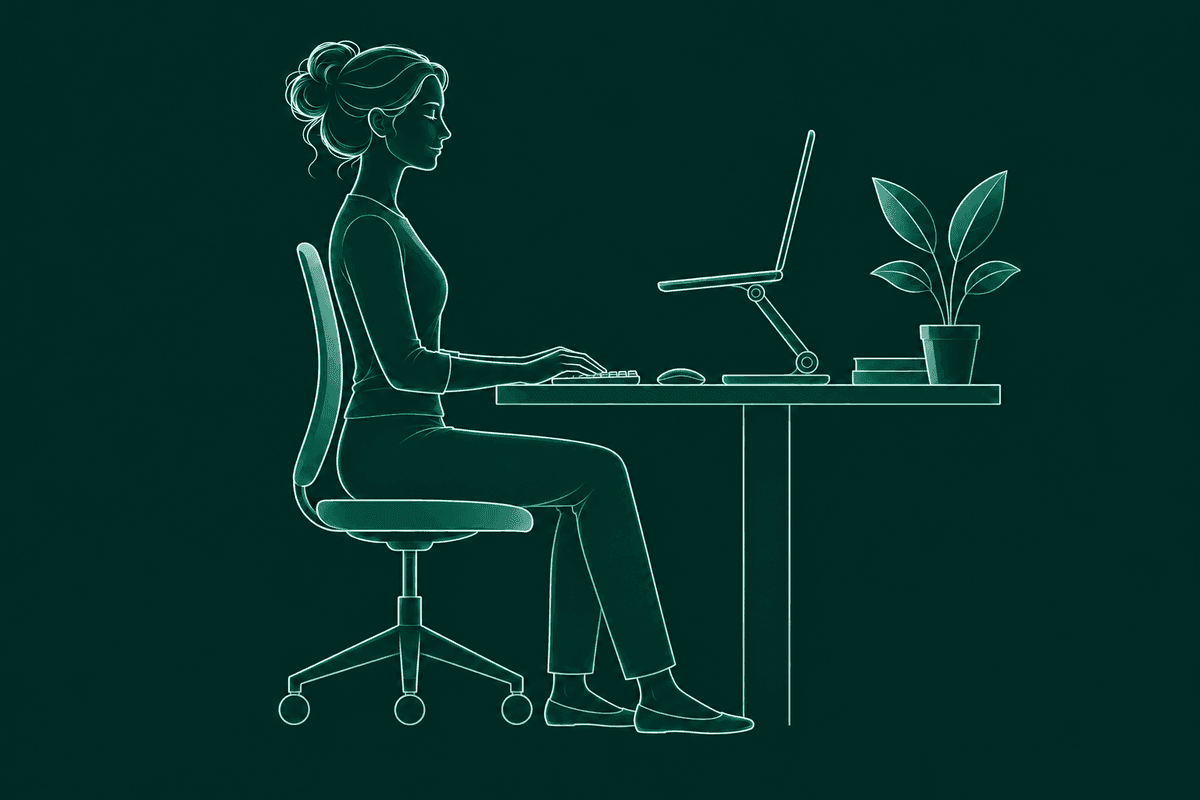
Set the top of your MacBook screen at or slightly below eye level, about 20 to 40 inches from your eyes. That is OSHA's guidance for any computer monitor, and it applies to a raised MacBook too.1
A quick way to check: sit back, look straight ahead, and notice where your eyes land. They should hit the top of the screen or just below it. At arm's length your fingertips should about reach it.
Once the screen moves back, the text gets smaller to your eyes. If you find yourself leaning in to read, that is the cue to make the text bigger and leave the screen where it is. Open System Settings, then Displays, and pick a larger text size, or zoom in the app you use most.
Then the chair. Sit back so the backrest supports your lower back, with your feet on the floor or a footrest. OSHA describes this kind of fully supported back, whether you sit upright or lean back slightly.2
Away from the desk
Away from a desk, raise your MacBook screen with whatever is nearby and keep the session short. Some days there won't be a stand.
On the couch, prop the laptop on a pillow or lap tray and tuck a cushion behind your lower back. In bed, sit up against the headboard and raise the laptop on your knees or a tray. Lying flat with it on your chest bends your neck the most.
When you travel, a folding stand and a small keyboard fit in most bags. Or skip them and take more breaks.
Where does the camera end up when you raise your MacBook?
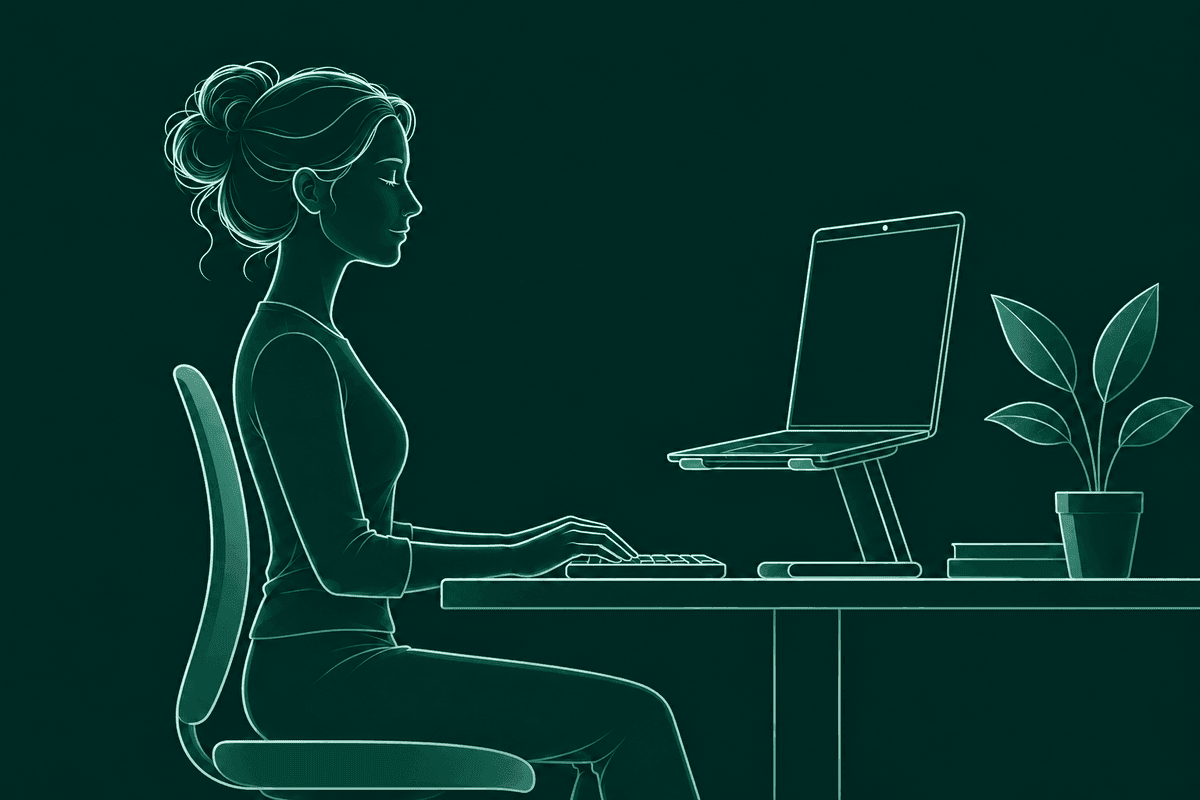
Raising your MacBook on a stand lifts the built-in camera too, so it ends up closer to your eye line. The camera sits just above the screen. On a flat desk it looks up at you. On a stand it looks at you more head on.
That matters for video calls, and for any webcam posture app. BetterPosture needs your head and shoulders in view to read how you sit. If it can't see you, it tells you: “Make sure your head and shoulders are in view.” A screen at eye level, an arm's length away, usually frames both.
In clamshell mode the lid is closed, so the built-in camera can't see you at all. You need a camera on or near the external monitor. BetterPosture uses the camera your Mac gives it, and each calibration remembers which camera it was made with.
How does BetterPosture fit a MacBook setup?
BetterPosture is a free macOS menu bar app for Apple Silicon Macs. It learns your own upright at each place you work, then lets you know when your head has drifted toward the screen.
Calibration takes about twenty seconds: show your good posture, then your usual slouch. Do it at each place you work, say the stand and the external monitor. Each is saved as its own profile. With automatic switching on, BetterPosture picks the right profile when you change desks. You can also choose one yourself.
It takes a quiet reading every five minutes by default (you can set 1 to 60), and the camera is off in between. When you lean in, one silent overlay says “You've been leaning in. Look up?” Sit back and it gets out of the way. Snooze it for ten minutes, or pause checks from the menu bar during calls.
Pose detection runs on your Mac. Nothing leaves it. You can check that yourself on the verify privacy page. For the rest of your desk, read how to stop slouching at your desk. Comparing apps? See posture apps for Mac, compared.
Questions people ask
Is a MacBook stand worth it?
Yes, if you pair it with a separate keyboard and mouse. A stand on its own lifts the keyboard too, so your hands end up high. Together they let your eyes stay level and your arms stay low.
Does a MacBook Pro need a different setup than a MacBook Air?
No. The same rules apply to both. On a smaller screen, bump the text size so you are not leaning in to read.
How high should my MacBook screen be?
The top of the screen at or slightly below eye level, about an arm's length away. A stand or a stack of books gets most MacBooks there.
How far should my MacBook screen be from my eyes?
About 20 to 40 inches, roughly an arm's length. That is OSHA's guidance for any computer monitor. If you lean in to read, make the text bigger and leave the screen where it is.
Is it okay to use a MacBook flat on a desk all day?
For short stretches, yes. Over a full day, a flat laptop keeps the screen low, so your head drifts forward to meet it. If it is your main desk, raise the screen and add a keyboard and mouse.
Is clamshell mode better for posture?
It can be. With the lid closed and an external monitor at eye level, you only have one screen to look at. Keep the main monitor straight in front of you.
Can I use my MacBook in bed or on the couch?
For a while. Prop the laptop on a pillow or tray so the screen comes up, and move every so often.
Does BetterPosture work with a stand or an external monitor?
Yes. Save a calibration for each setup. BetterPosture matches your camera, displays and where you sit against each one and switches for you.
Does BetterPosture record me?
No. Frames are read on your Mac and thrown away right after. Nothing is stored or uploaded.
Sources & further reading
- OSHA. Computer Workstations eTool: Monitors. Checked 13 November 2026.
- OSHA. Computer Workstations eTool: Positions. Checked 13 November 2026.
This article is general information about comfort at your desk, not medical advice. If you have ongoing pain, talk to a doctor or physiotherapist.
A little more upright.
Free for Apple Silicon Macs on macOS 13 and up.
Pose detection runs on your Mac. Nothing from the camera leaves it.